



OPEX
Operational ExcellenceImprove. Flow. Excel.
Brings kaizen, near-miss, Asakai and 5S processes into one flow, turning continuous improvement into measurable operational performance.
The problem it addresses
Kaizen suggestions go into a box and disappear, 5S audits stay on paper and near misses go unreported. Because the gain from improvement is not measured, management support and employee participation fade over time.
Who is it for?
- Operations and production teams
- Lean transformation teams
- Occupational safety teams
What does it do?
Improvement flows
- Kaizen proposal, evaluation and completion
- Near-miss reports and risk distribution
- Asakai (daily morning meeting) records
- 5S audits, line-level scoring and email reports
Results
- Gain, award ranking and trend statistics
- Management cockpit
- Logistics tracking
- Automatic emails
What does it improve?
Continuous improvement stops being a campaign and becomes a measured routine. Decisions taken at Asakai can be followed through KERNEL and EPİS.
How does it fit into your systems?
| Data in | Employees’ kaizen and near-miss entries, Asakai notes and 5S audit scores. |
|---|---|
| Access | Through the platform’s single sign-on; the same flow from the shop floor to management. |
| Analysis | Improvement gains, risk distribution, line scores and trends. |
| Who sees the result? | Operations managers and lean transformation leads; audit reports by email. |
| Who makes the decision? | Accepting and prioritising proposals rests with the reviewers in the evaluation flow. |
Source: product materials (October 2026) and the modules and integration document (November 2026).
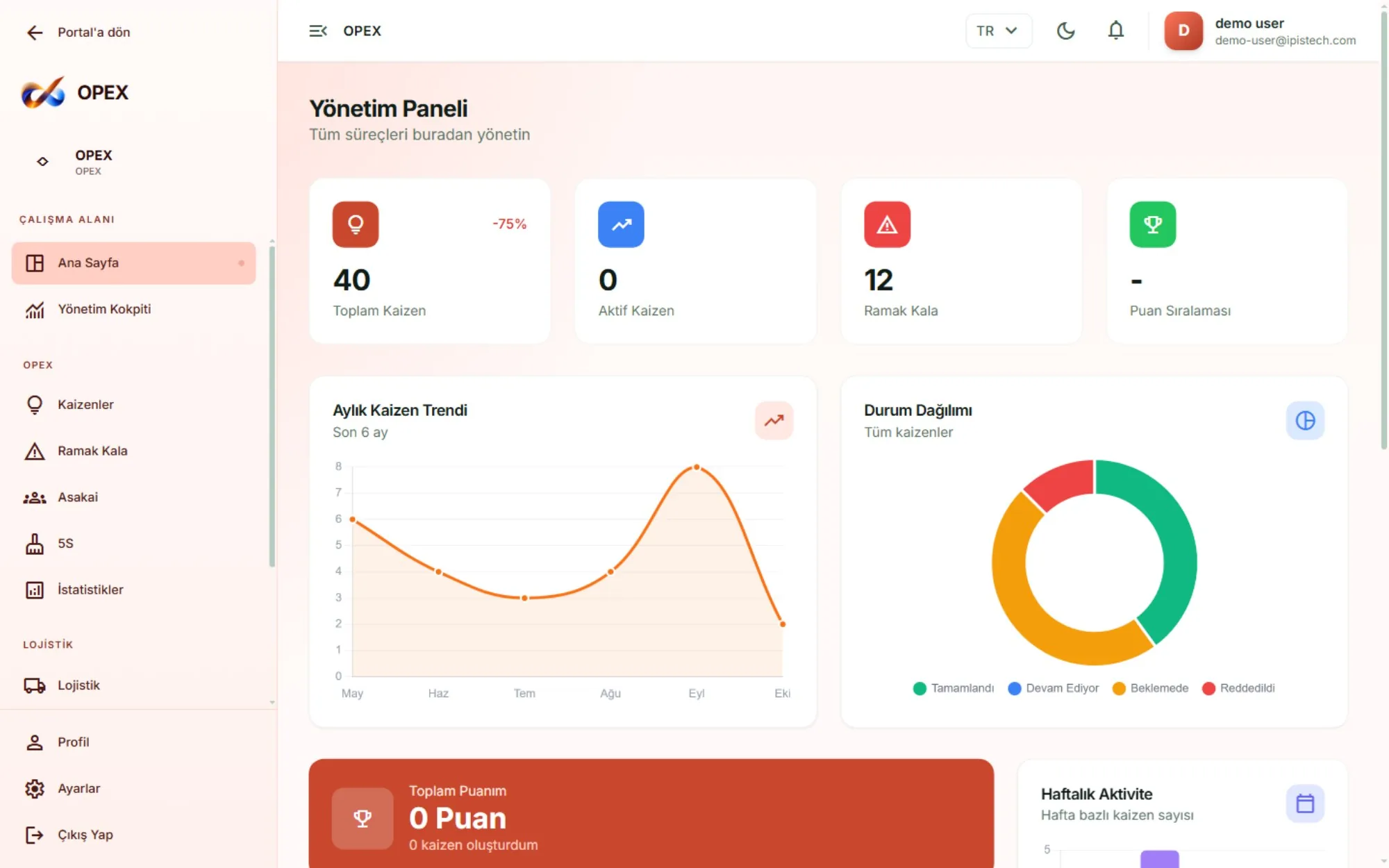
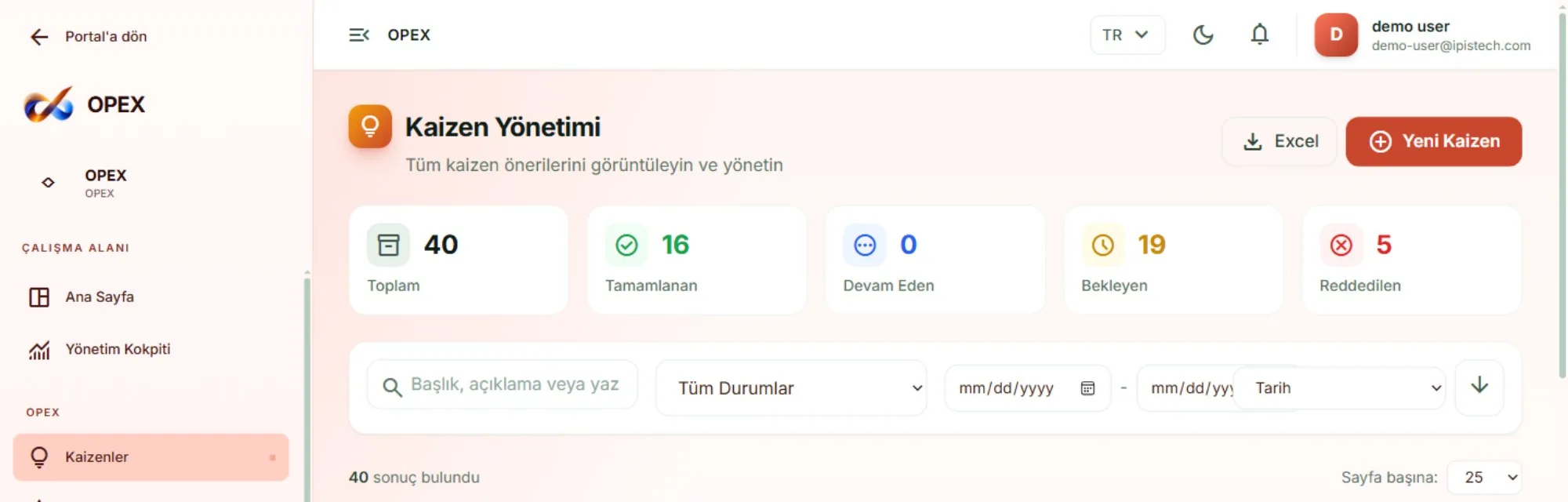
OPEX — Screens
Images are taken from the product’s demo environment; the data on screen is sample data.
What can you explore next?
Discuss this application with your own data
In a first conversation we discuss your business priorities, your data sources and a suitable unit for a pilot.