



KERNEL
Decision Intelligence CoreAnalyze. Insight. Decide.
Interprets data from the platform’s applications in a single pool and offers recommendations that show the facts behind them. You make the decision.
The problem it addresses
Every morning a manager has to open five screens and piece together what is going wrong. The signals exist, but they are scattered and unprioritised.
Who is it for?
- Senior management
- Strategy and business intelligence teams
- Decision makers
What does it do?
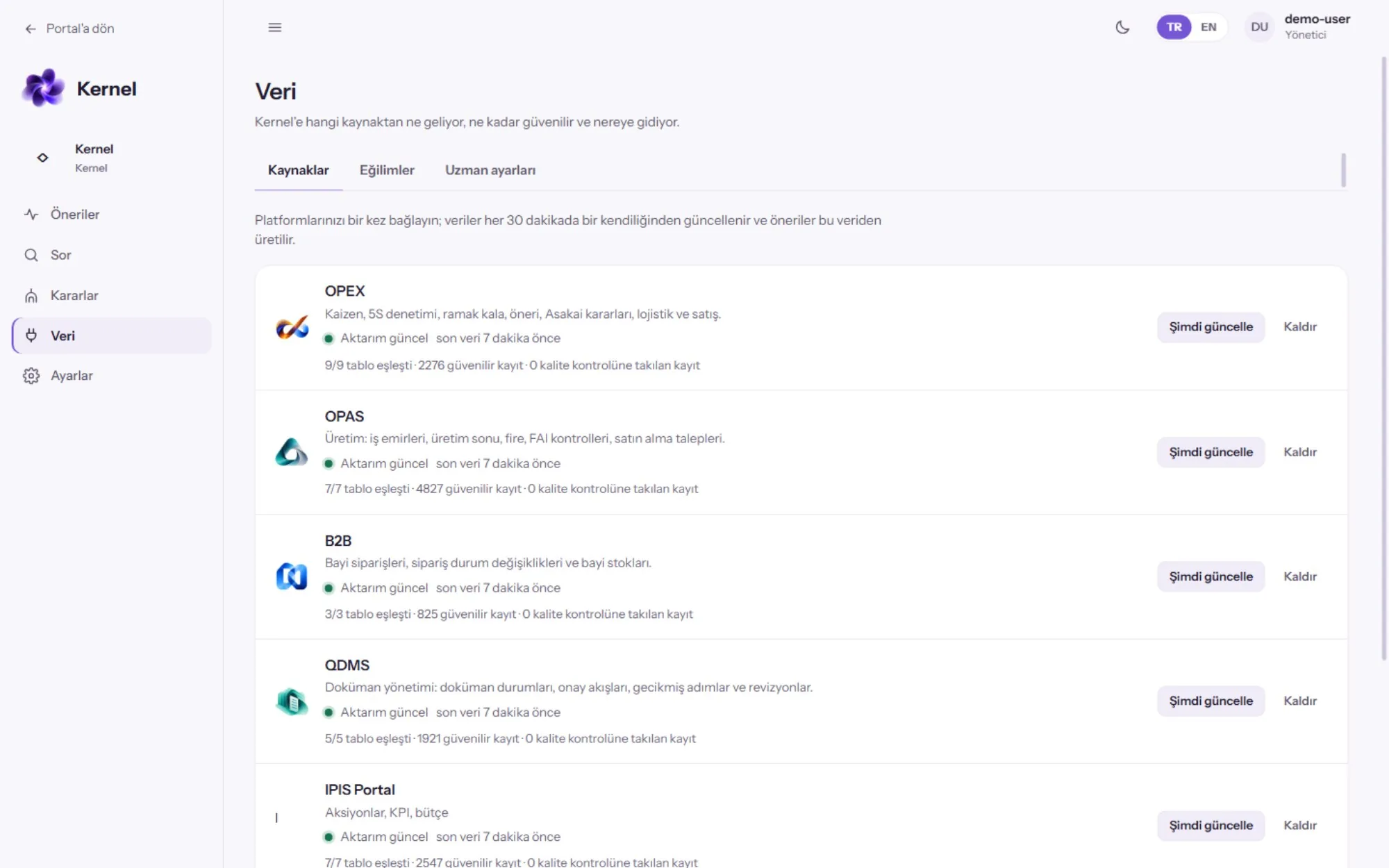
A single data pool
- Data from the platform applications in one pool
- Sources refresh automatically every 30 minutes
Explainable recommendations
- The facts behind every recommendation are visible
Ask
- Users ask in their own words and receive an answer grounded in the data
Decisions
- Decision cards awaiting approval
- Decision monitoring and outcome tracking
Data quality
- Reliable record counts
- Data quality checks
What does it improve?
It surfaces deviations without waiting for the reporting period, clarifies priorities and shows which data a decision rests on. The principle does not change: KERNEL recommends, a person decides.
How does it fit into your systems?
| Data in | Data from the other applications on the platform; sources refresh every 30 minutes. |
|---|---|
| Access | Through the platform’s single sign-on, with role-based permissions. |
| Analysis | Interprets data across applications together and presents recommendations with their supporting facts. |
| Who sees the result? | Decision makers; recommendations and decision cards awaiting approval are followed in KERNEL. |
| Who makes the decision? | The user decides. KERNEL recommends and shows its reasoning. |
The scope of the recommendations depends on which applications and sources feed KERNEL.
Source: product materials (October 2026) and the modules and integration document (November 2026).
KERNEL — Screens
Images are taken from the product’s demo environment; the data on screen is sample data.

What can you explore next?
Discuss this application with your own data
In a first conversation we discuss your business priorities, your data sources and a suitable unit for a pilot.